Top Tips for Maintaining Your Laptop's Performance
Discover essential tips to keep your laptop running smoothly, extend its lifespan, and ensure optimal performance.
Regular Software Updates
One of the most essential tips for maintaining your laptop's performance is to ensure that all software updates are regularly installed. Operating system updates, as well as updates for individual applications, often contain crucial security patches and performance improvements. Ignoring these updates can lead to vulnerabilities and degraded performance over time. To keep your laptop running smoothly, set your system to automatically install updates or make a habit of checking for updates frequently. This proactive approach can help you avoid potential issues and ensure your laptop is always operating at its best.
Clean Your Hardware
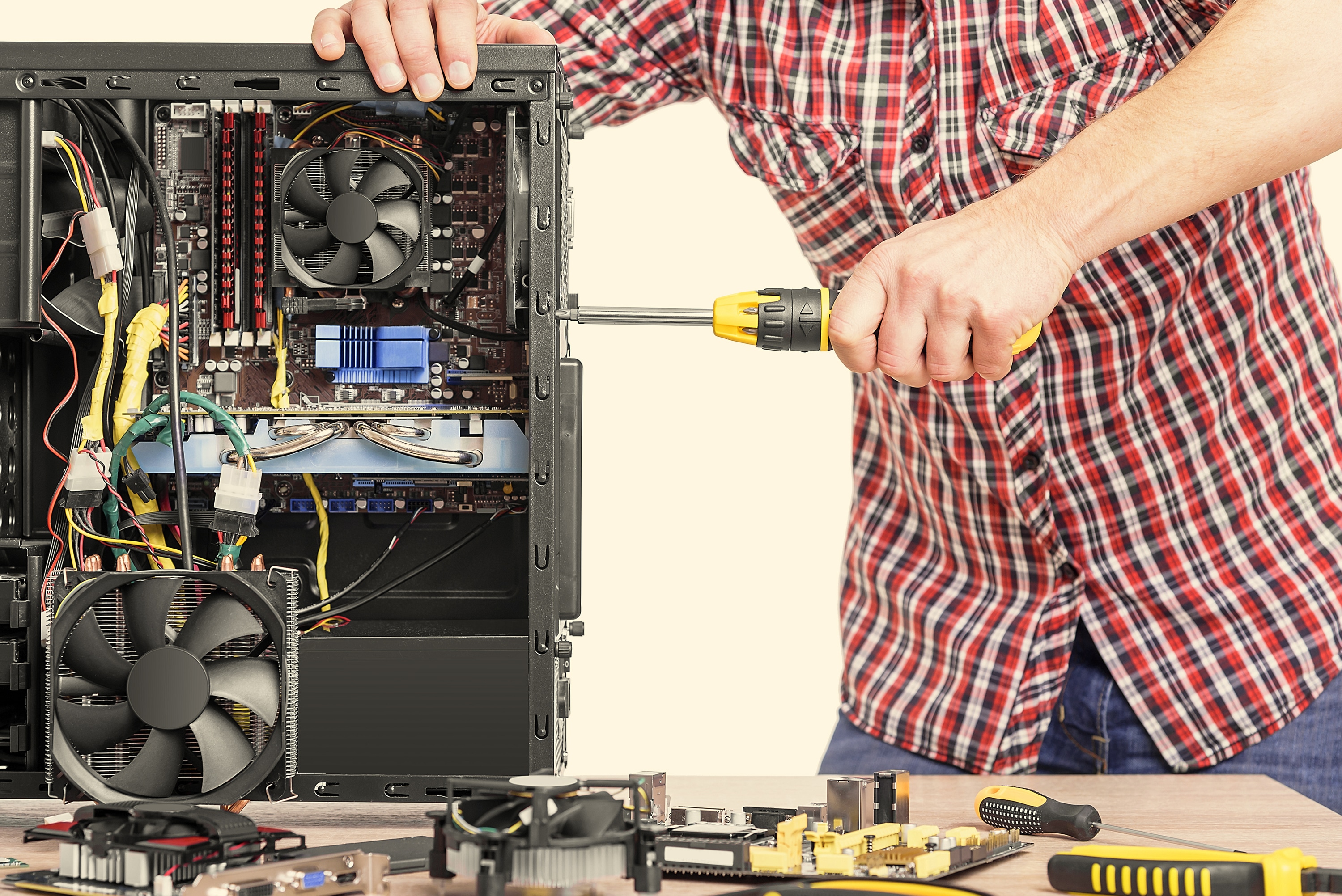
Physical cleanliness is just as important as digital maintenance. Dust and debris can accumulate inside your laptop, leading to overheating and reduced performance. Regularly clean your laptop's keyboard, screen, and ventilation areas using compressed air or a soft brush. Additionally, consider opening the laptop case (if you're comfortable doing so) to remove dust from internal components. Keeping your hardware clean not only prolongs the life of your laptop but also ensures it operates efficiently, preventing unexpected shutdowns and lag.
Optimize Startup Programs
Over time, many applications may set themselves to start automatically when you boot up your laptop. This can significantly slow down your system's startup time and overall performance. Review the list of startup programs and disable any that are not necessary. This can usually be done through the task manager or system preferences. By minimizing the number of programs that launch at startup, you can speed up the boot process and free up system resources for more critical tasks, ensuring a smoother and more responsive user experience.
Manage Your Storage
A cluttered hard drive can drastically affect your laptop's performance. Regularly check your storage space and remove unnecessary files, such as old documents, unused applications, and temporary files. Utilize tools like disk cleanup utilities or third-party software to identify and delete redundant data. Additionally, consider moving large files to an external hard drive or cloud storage. Keeping your hard drive organized and free of unnecessary clutter can improve your laptop's speed and responsiveness, making everyday tasks more efficient.
Monitor Battery Health
Your laptop's battery health is crucial for maintaining performance, especially if you frequently use it on the go. Avoid leaving your laptop plugged in all the time, as this can degrade the battery over time. Instead, aim to keep the battery level between 20% and 80%. Use power-saving settings to extend battery life and reduce the strain on your system. Regularly check your battery's health status through your laptop's settings or using dedicated battery monitoring software. By taking care of your battery, you ensure that your laptop remains reliable and performs well over its lifespan.
Use Antivirus Software
Protecting your laptop from malware and viruses is essential for maintaining its performance. Install reputable antivirus software and keep it updated to safeguard against potential threats. Regularly scan your system for malware and remove any detected issues promptly. Additionally, be cautious when downloading files or clicking on links from unknown sources. By maintaining robust security measures, you can prevent malicious software from compromising your laptop's performance and ensure a safe and efficient computing experience.